
Cloudflare for website owners: planning DNS, caching and traffic filtering
Cloudflare brings together DNS, content delivery and traffic protection services. DNS connects your domain to configured destinations. For supported records with proxying enabled, requests pass through its network before reaching your server. The CDN can cache certain resources, while the WAF filters requests using rules. These functions solve different problems: enabling one service does not mean that every other service is configured correctly or that your application has become secure.
DNS and the CDN proxy do not replace your origin hosting. Your application, database and backups still need an operating environment and ongoing management. Cloudflare also offers separate deployment products, which require their own assessment. Their existence does not automatically turn your existing website into an application hosted by Cloudflare.
Short on time? Watch the article essentials.
French audio · English captions.
Who is it relevant for?
Your marketing team, technical lead or online store may benefit when domain management, availability and traffic filtering become important. However, someone must own configuration changes and incident handling. A mostly static website and an authenticated application need different policies. Start by documenting your domains, hosting, email records, sensitive user journeys and administrator access. This inventory also helps prevent a DNS migration from disrupting unrelated services.
What SAY Digital can deliver
SAY Digital can audit your configuration, prepare a DNS migration and define a suitable caching strategy. Depending on the agreed scope, services can include proxy configuration, WAF rules, form and payment testing, and access documentation. A rollback procedure and a handover help your team operate the setup. Continuous monitoring, incident response and maintenance responsibilities should be stated in the proposal rather than assuming permanent availability or unlimited support.
When to choose it, and when to avoid it
Choose Cloudflare when you have a defined content delivery, traffic control or DNS management need and can test the changes. Avoid a rushed migration without origin hosting access or a complete record inventory. If slow database queries are your main problem, diagnose the application first. A WAF can mitigate some attacks, but it does not repair your code, vulnerable dependencies or excessive permissions. It should support, not replace, application maintenance.
Illustrative example: an online store
Imagine a store whose product images can be cached. Your team checks how image updates propagate, then explicitly bypasses cache for checkout, cart, account pages and administration. It also tests cookies, sessions and personalised responses: private content must not be served to other visitors. Filtering rules are checked against payments and provider callbacks so legitimate activity remains available. This is a fictional scenario, not a client reference, verified deployment or promise of measured performance gains.
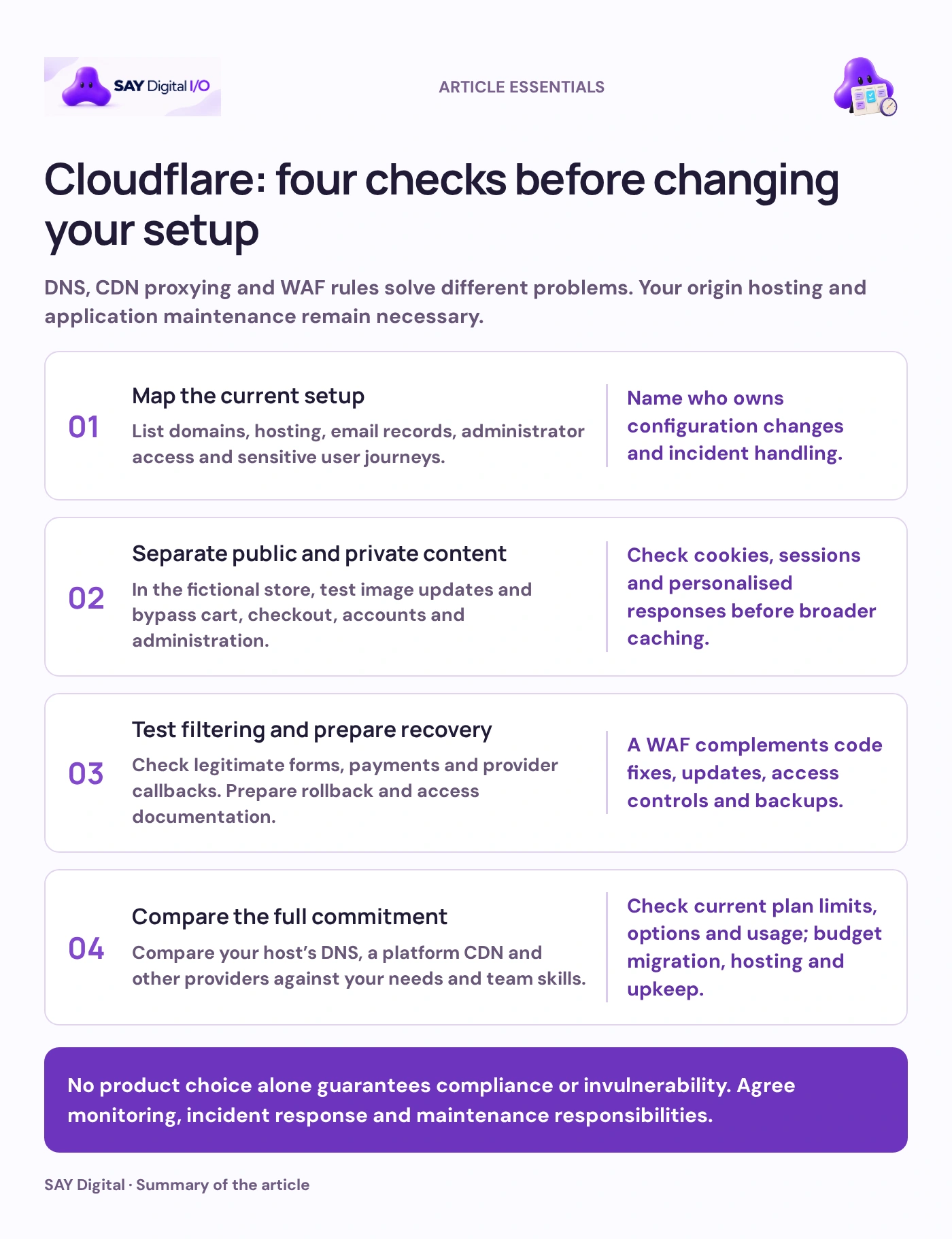
Open the full-size infographic ↗
Costs: plan, usage and services
Your budget should separate DNS, CDN and WAF capabilities available under the selected plan from optional features and any usage-based services. The consulted sources describe several tiers with different rule capabilities and limits. Check current commercial terms, allowances and add-ons before committing instead of treating one advertised price as the total project cost. Include discovery, migration, testing and maintenance services, alongside the origin hosting that your website still requires.
Alternatives and complementary measures
Your hosting provider’s DNS may be sufficient for a simple setup. A CDN included with your platform, or another delivery and protection provider, may fit your constraints better. Compare functionality, support, migration options and the skills available in your team. Whatever you choose, retain backups, software updates and application monitoring. Plans and product versions evolve; no product selection alone guarantees regulatory compliance or invulnerability. Review your data handling obligations separately.
FAQ
Does Cloudflare replace my hosting provider?
Not through DNS and CDN proxying: your origin server continues to run the application. Separate hosting products require an explicit architectural decision.
Can every page be cached?
No. Bypass caching for transactional and administrative journeys, then test session handling and personalised content before enabling broader rules.
Is the WAF enough to secure my website?
No. It complements code fixes, updates, access controls and backups. Its rules also need testing to avoid blocking legitimate visitors.
Discuss your Cloudflare configuration with a SAY Digital expert to define a practical scope for your website.