
Lindy or Hermes Agent for founders preparing a client meeting
A client moves the meeting, sends an attachment and adds a request in a separate email thread. You need more than an inbox summary. You need to know what you have agreed, what remains open and which reply to prepare before you walk into the call.
Try Lindy first if your priority is delegating that preparation through connected email and calendar accounts without running an agent installation yourself. Hermes Agent is worth considering when the brief must follow specific internal references and operating rules, and someone can maintain the setup. This is not a choice between a passive chatbot and an active agent: Lindy documents memory, routines and actions in connected tools.
Short on time? Watch the article essentials.
French audio · English captions.
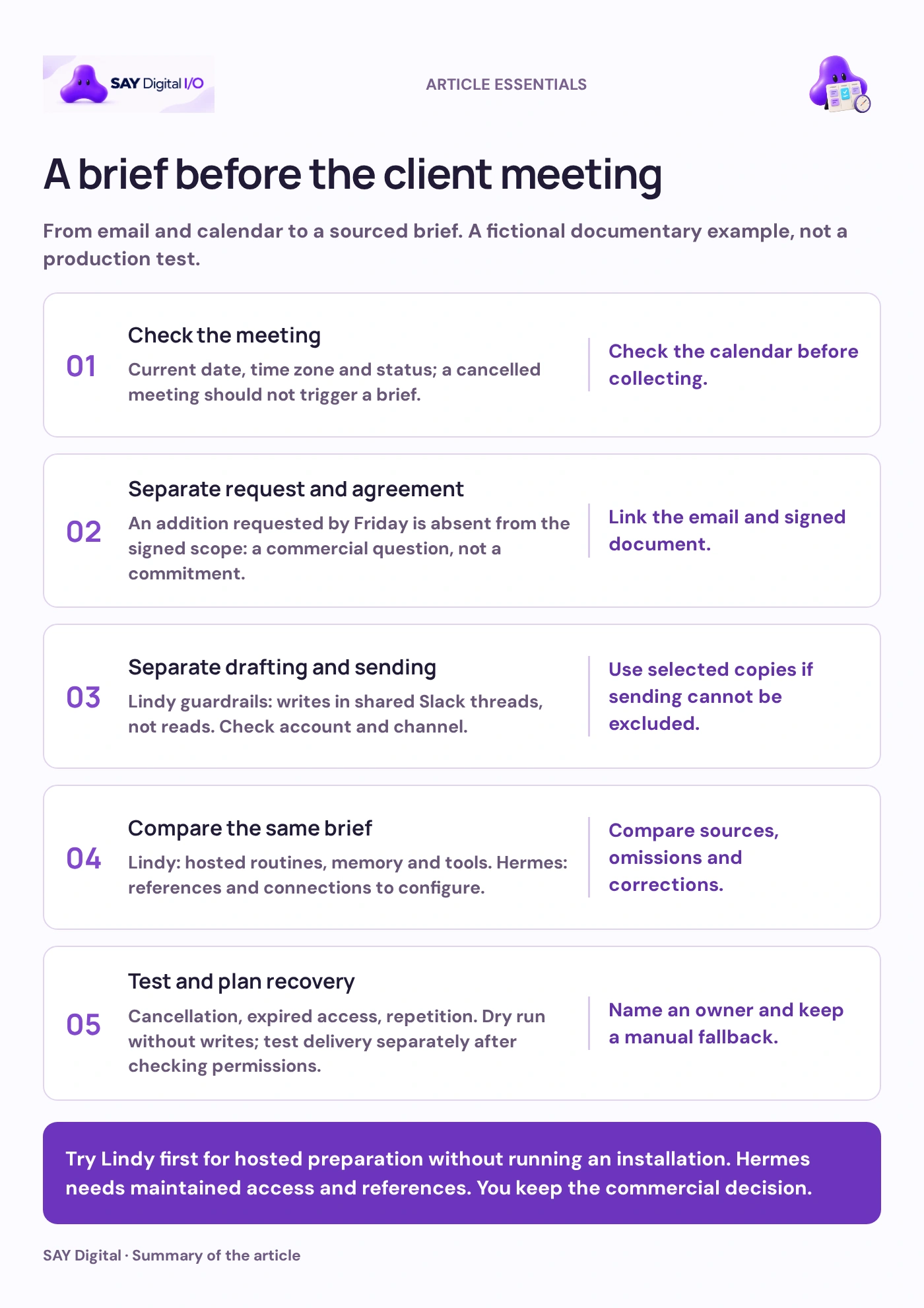
Open the full infographic ↗
Give both options the same client meeting brief
Imagine you run a small agency and have a scope review with an existing client. Ask each option for the meeting context, recent requests, commitments found in the correspondence, unresolved questions and a proposed agenda. Include a draft reply, but no sending or calendar changes.
For each commitment, ask for the source message, its date, who made the commitment and the relevant commercial document. A client request must remain distinct from a confirmed agreement. Put the meeting's current date, time zone and status at the top: a good brief for the wrong meeting is no help. Missing information should remain a question. You retain the decisions about commitments, recipients and the final response.
Lindy brings hosted tools, memory and routines together
A Lindy routine combines a trigger, instructions and a destination. Triggers can be scheduled or event-based, and the documentation includes meeting preparation and email drafting among built-in routines. That gives you a starting point for a brief ahead of a client call, depending on the accounts you connect and the scope you choose.
Lindy's memory is an inspectable, versioned file system with personal, team and system scopes. It supports durable knowledge and reusable instructions. You can correct the underlying files rather than repeat context in every conversation. Workspace owners and admins edit team files; ordinary members cannot. Name someone to maintain the approved commercial references, because an outdated scope can still produce a polished but wrong brief.
Its integration documentation lists tools such as Gmail, Slack, Google Drive and HubSpot, as well as MCP, a protocol for connecting additional tools. A catalogue entry does not establish that the particular action you need works with your account. Connect the inbox and calendar needed for the task before considering the rest of your stack.
Drafting a reply and sending it are different permissions
Lindy documents three settings for writes: always allow, require approval or do not offer the tool. The documented guardrails cover shared Slack threads, not web chat, Slack direct messages or iMessage/SMS. They do not guard reads. One integration's rule also covers all accounts connected under that integration.
Send the reply yourself, and check actual account permissions rather than relying on an instruction not to send. If your chosen connection and channel cannot exclude sending, start with selected copies of correspondence instead of connecting the live inbox. An approval setting is only useful within the channels and actions it actually controls.
Hermes Agent lets you shape the brief around your own references
When the decision also depends on a signed scope and internal rules, compare how those references will be maintained. Hermes documents bounded persistent memory, reusable instructions and scheduled tasks. With suitable connections and permissions, it can be configured to prepare the same brief. Connecting email, calendar and commercial reference documents is setup work, not an automatic consequence of installing the agent.
A Company Brain means structured, maintained business knowledge in this context. It is not a complete knowledge base that Hermes provides by default. Keep the signed scope identifiable, dated and owned. The Hermes Agent business guide explains the operating responsibilities to consider if this more configurable approach fits your needs.
Access controls, isolation and approvals also depend on how you configure and connect the tools. Command confirmations do not establish that an external email or calendar action requires approval; check those rights separately. Hosting the agent yourself does not establish that all model and connected-service processing stays on your machine.
Who fixes the setup while you are with the client?
Lindy runs the hosted environment; you still own account configuration, business rules and review. Hermes adds the installation's upkeep, whether you do it yourself or pay someone else. Compare subscriptions and usage, model and external-service charges, setup, supervision and maintenance. A smooth trial will not reveal every operating cost.
Lindy's terms describe plan, seat and usage-related billing arrangements. Its security documentation states that data is encrypted in transit and at rest. Assess those statements against the information you intend to connect; they do not settle your organisation's legal obligations. With either option, name someone who can pause the work or restore access. Keep a short recovery note listing connected accounts, active instructions, the last successful brief and how to suspend preparation. If you work alone and cannot respond to a failure, be ready to prepare the meeting yourself rather than depend on an available connection or remaining usage allowance.
Test a conflicting request before relying on the next brief
In the agency example, an email asks for an extra feature by Friday, but the signed scope does not include it. A useful entry might read: ‘Request: extra feature by Friday. Reference: signed scope excludes it. Status: addition not agreed. Decision needed: should we propose a change order?’ Link the entry to both sources. The reply draft suggests discussing scope during the meeting, without accepting the requested deadline. You decide the commercial proposal.
Using correspondence you are authorised to process, check that a cancellation stops unnecessary preparation and that an expired connection is reported rather than hidden behind stale messages. Run the preparation again: it should not leave a second draft to deal with or create another invitation. Check what it remembers on that second run. Lindy documents a routine dry run that lets you inspect reads and decisions without sending or writing. It cannot prove delivery, precisely because delivery is suppressed. Test that step separately to yourself or a copy, once permissions are checked. Compare source links, omissions and the work needed to correct the brief. If trusting it requires rereading the entire inbox, narrow the task. Human preparation may remain the better choice until the output is easy to check.
Scope an AI project around one real client meeting
With SAY Digital, start by describing your AI project, create your account, speak to a person, then decide whether to buy. Bring an example brief and identify the actions you need to keep in human hands. If the need includes business context and a few workflows, discuss First Contact on a quoted basis: a Brain, a few workflows and an agent team, with the team composition defined in the quote.